
Using the Dashboard
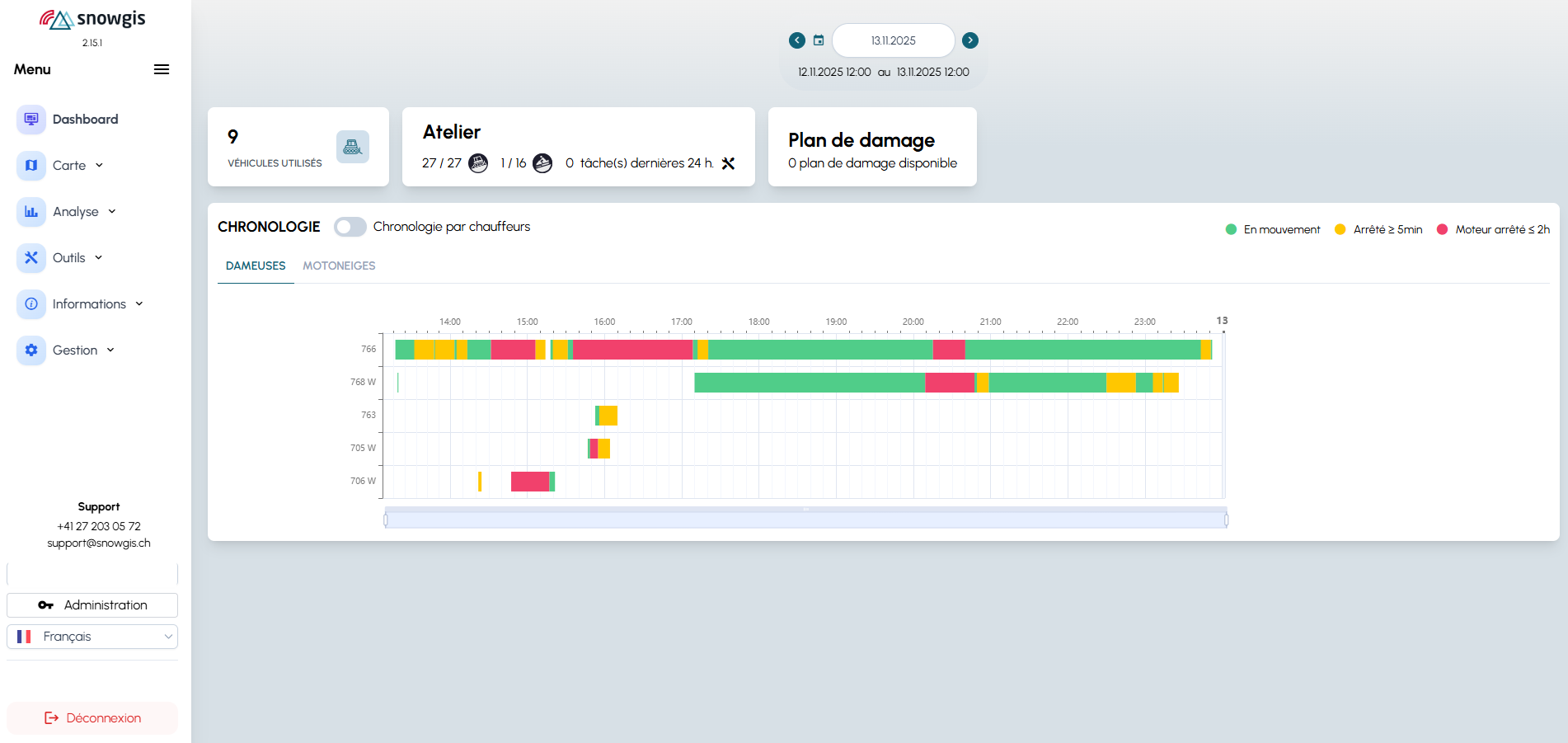
The Dashboard is the main home page of the SnowGIS application. It allows you to quickly view key information about your ski area, depending on your access rights.
Access
- The Dashboard is accessible after logging in via the main menu.
- The information displayed depends on your user role.
Main Features
1. Date Selector (Calendar)
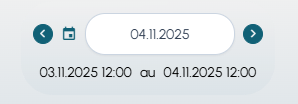
- Location: At the top of the Dashboard.
- Purpose: Allows you to select a date to display the corresponding data (activities, statistics, etc.).
2. Key Indicators (Info Cards)

- Location: Below the calendar.
- Purpose: Displays summarized information (number of active vehicles, groomed area, engine hours, workshop, grooming plan, etc.).
3. Activity Timeline
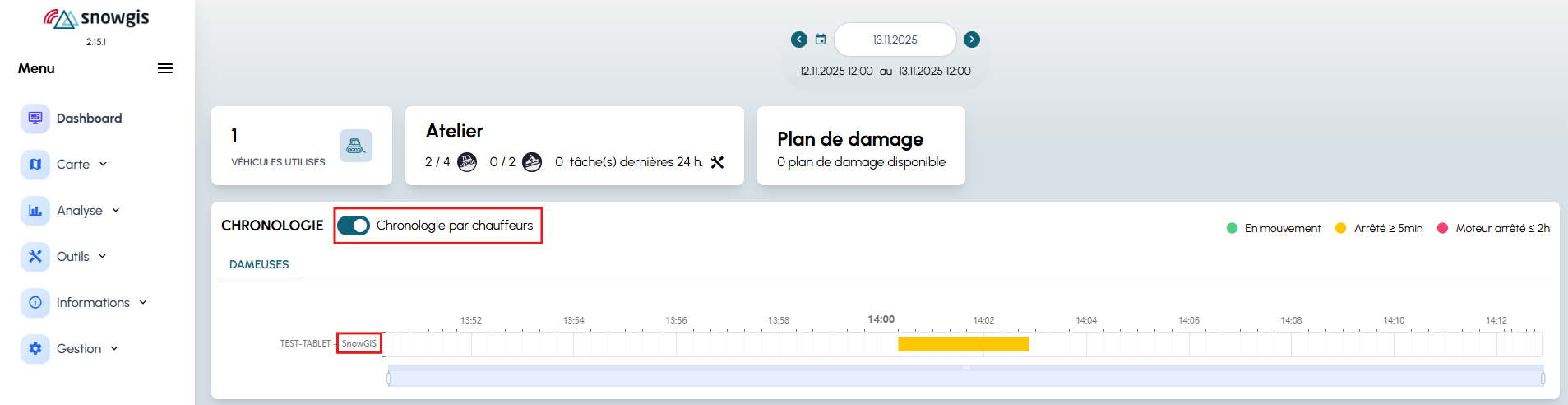
- Location: Below the indicators, if you have the rights.
- Purpose: Shows a timeline of vehicle activities (snow groomers, snowmobiles, etc.) for the selected date. A timeline by driver is also available.
Navigation
- Use the side menu to access other modules (Map, Analysis, Tools, etc.).
- The sections displayed in the Dashboard depend on your rights: if you do not see a widget, contact your administrator.
Tips
- Change the date: Use the calendar to explore the activity history.
- On mobile: The Dashboard adapts to the screen, but some widgets may be hidden for better readability.
Need help?
Contact your administrator or consult the technical documentation for more details about each widget.